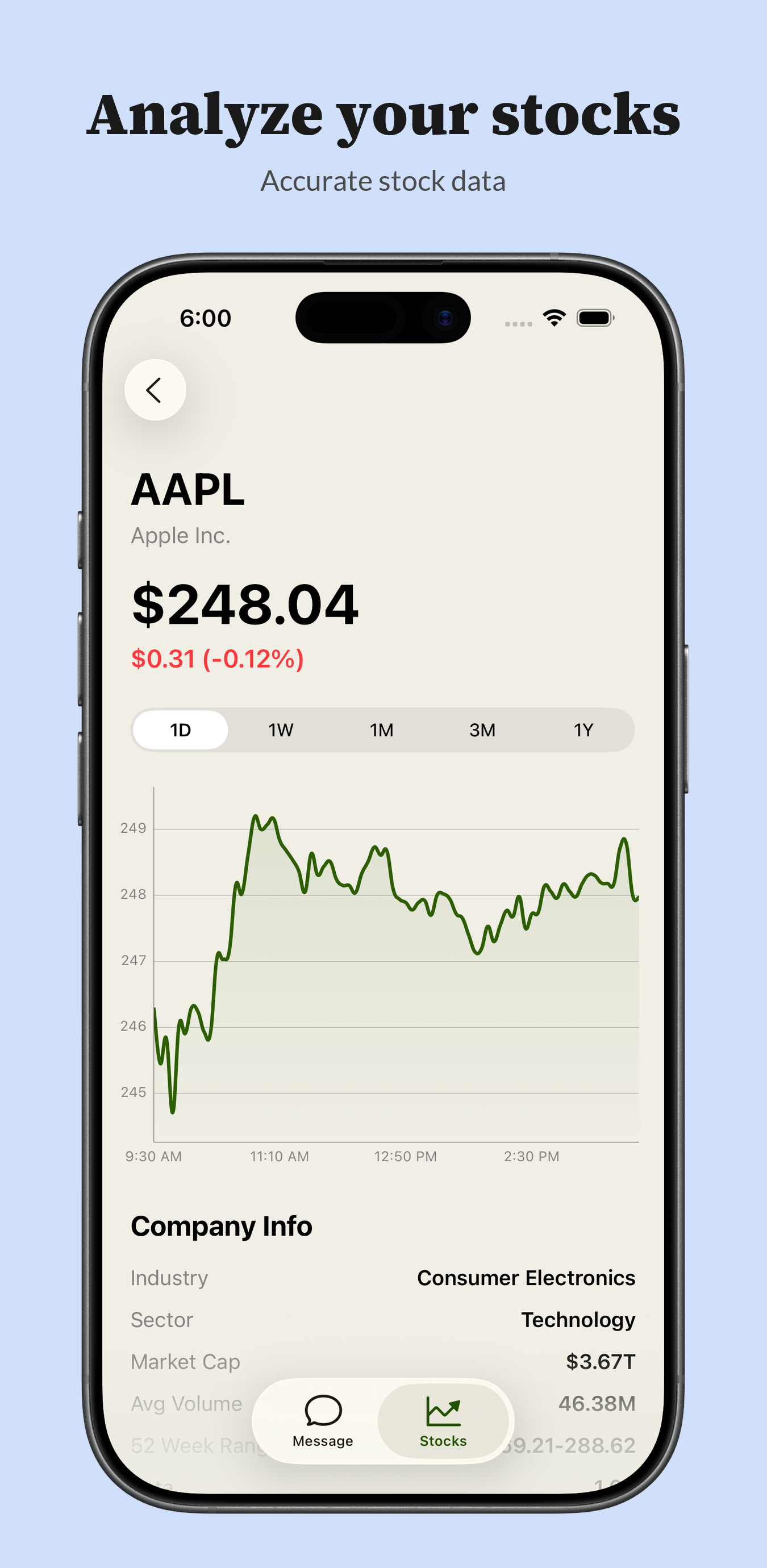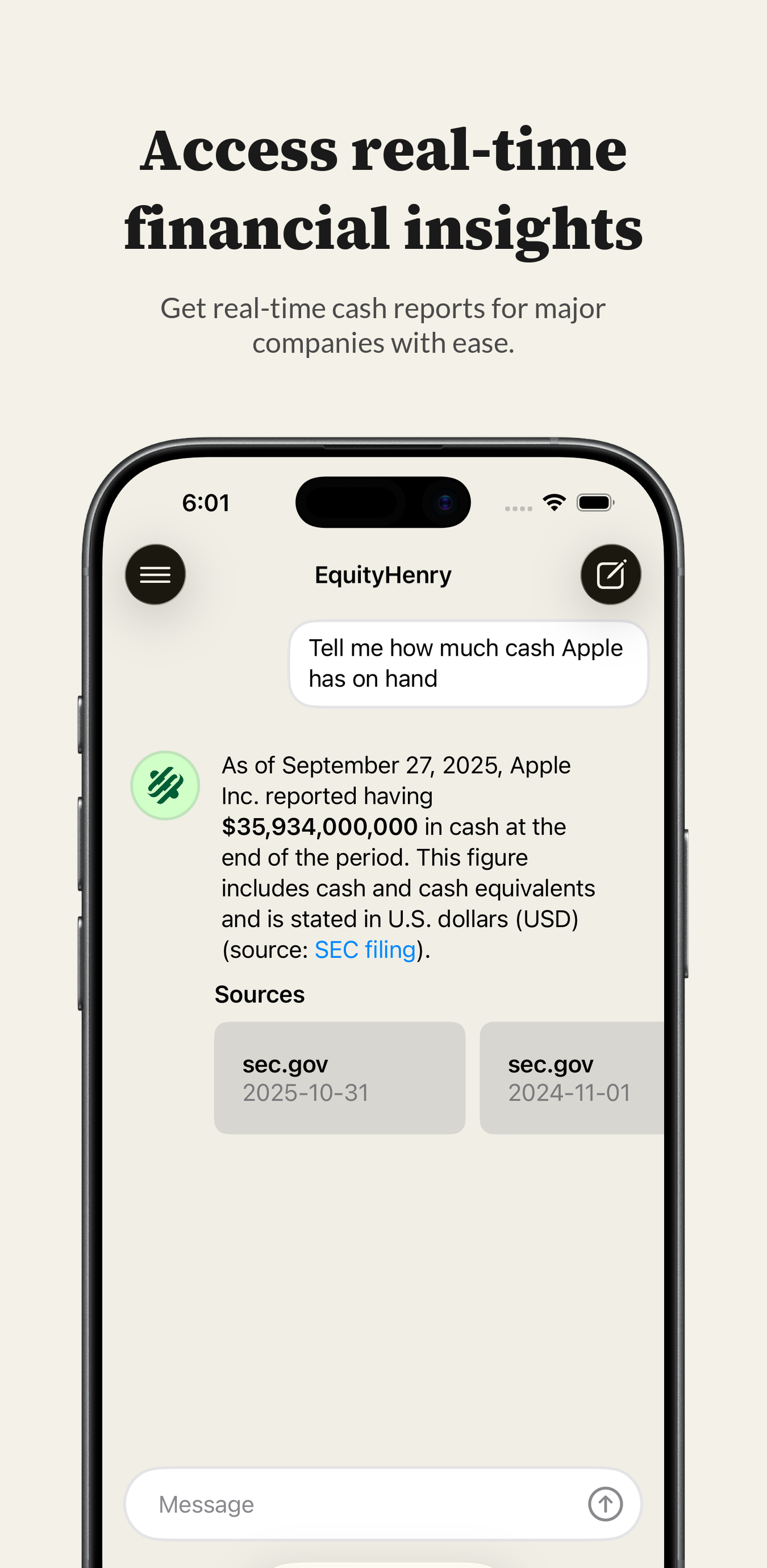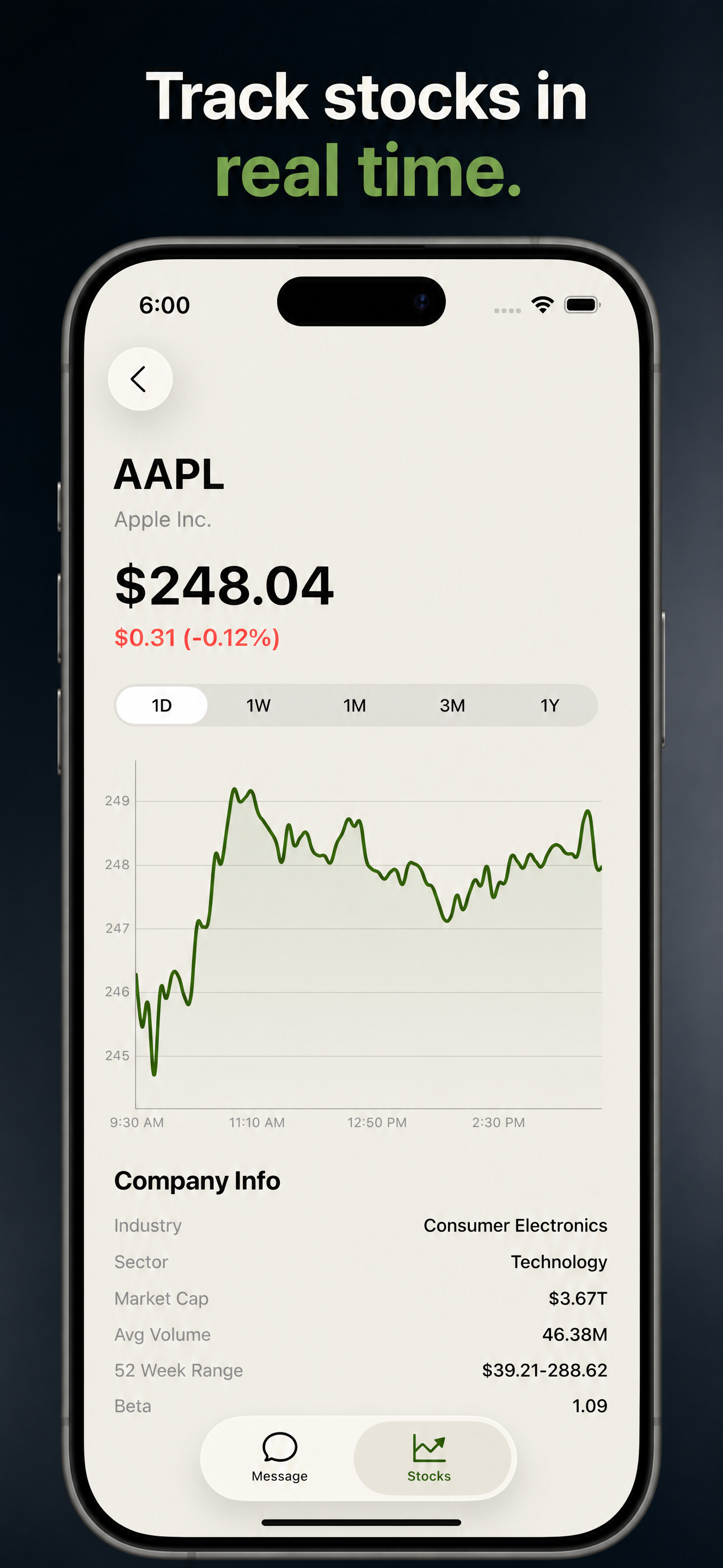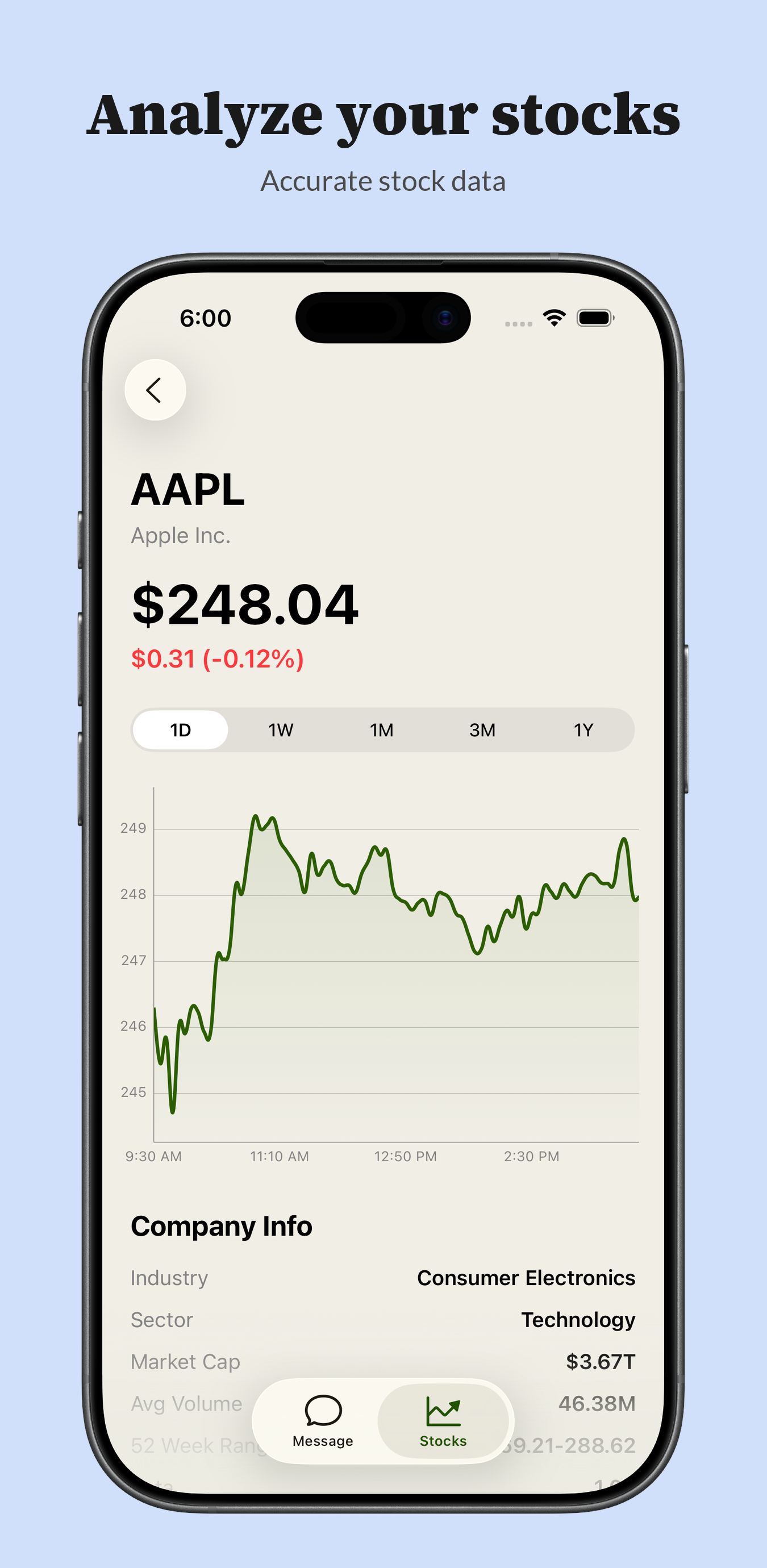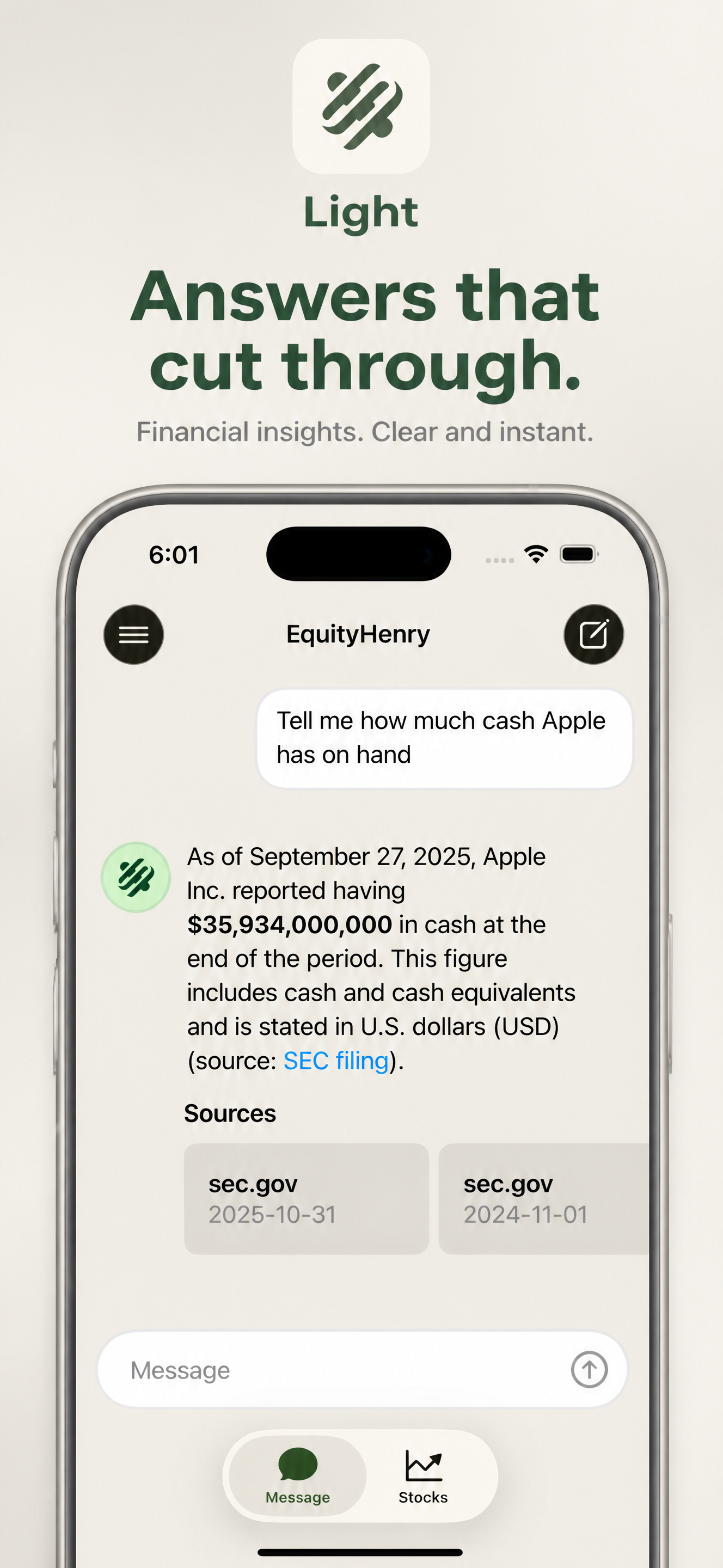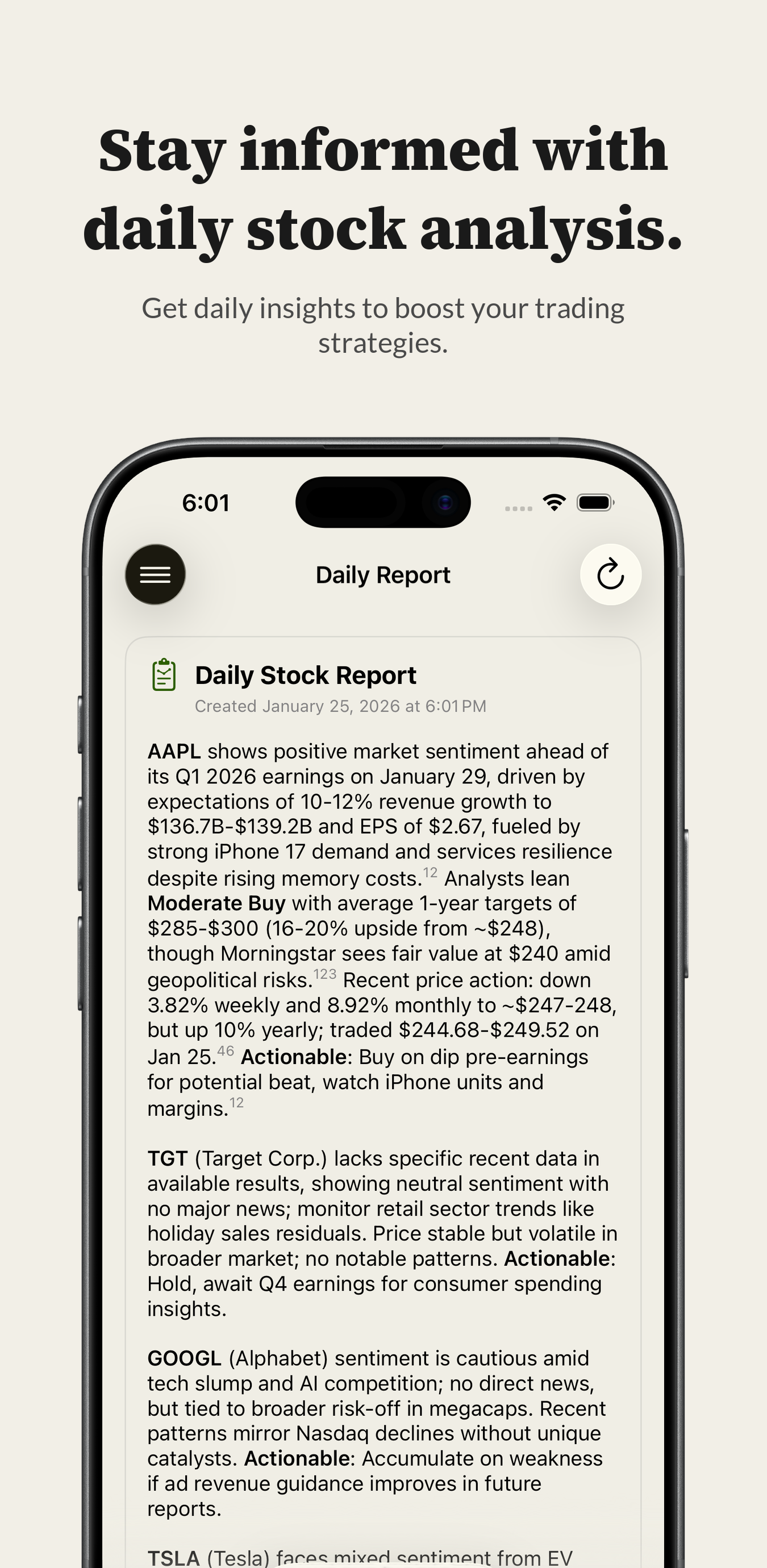
Screenshots that convert.

Your App Store page is where users decide to install (aka how you get paid). Aqua helps you ship beautiful icons and screenshots quickly that make a strong first impression.

Why Aqua?
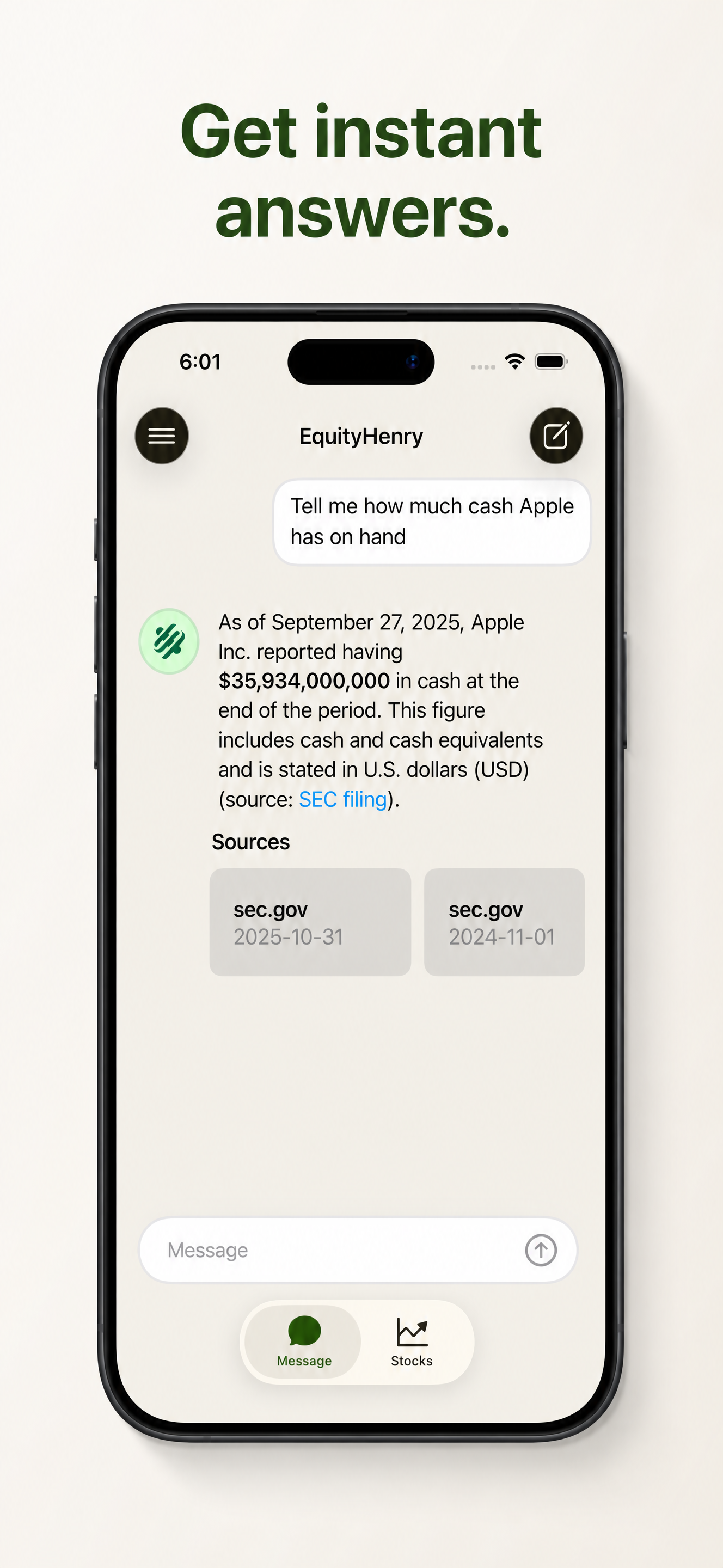
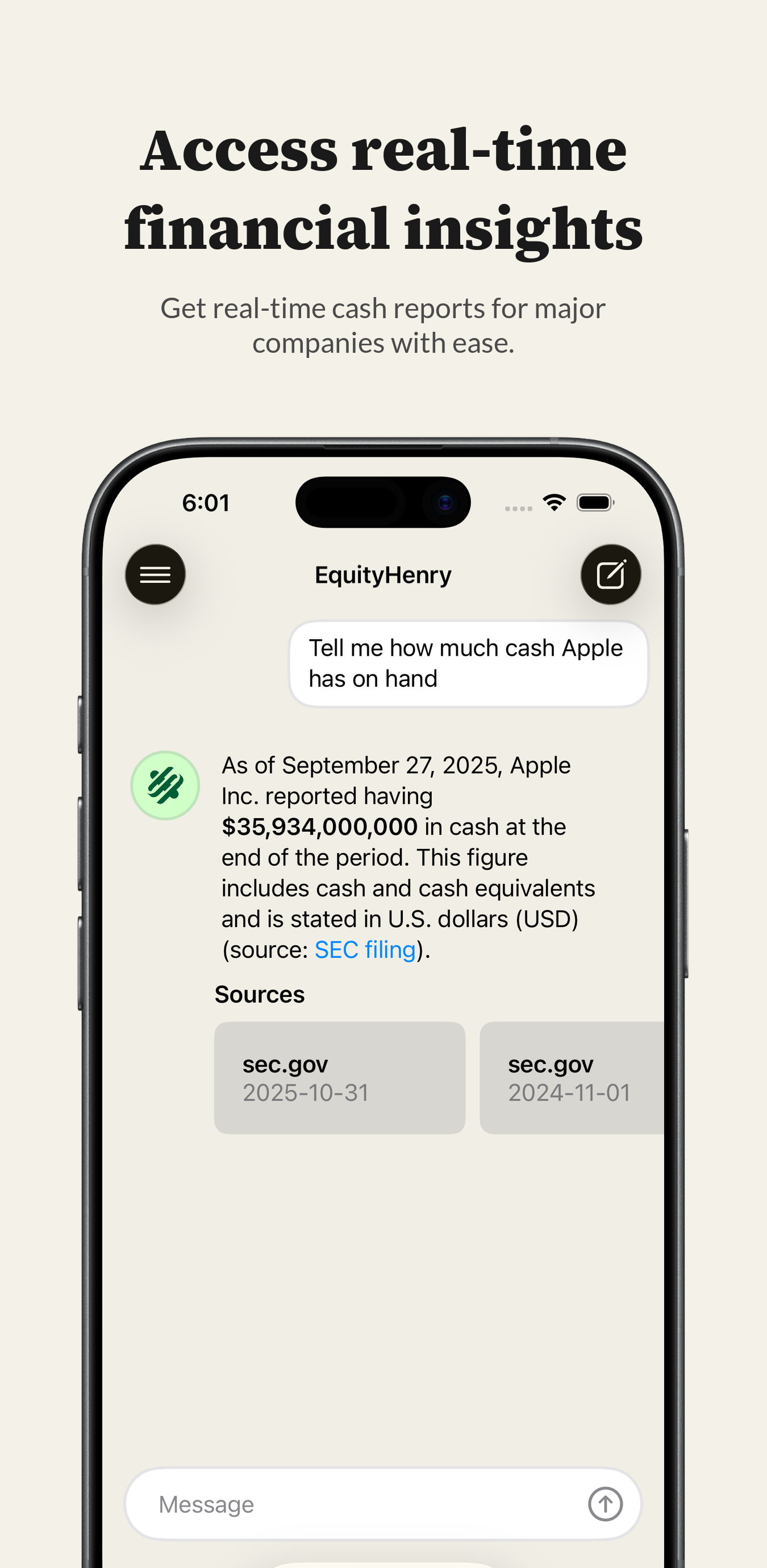
App Store screenshot example 1App Store screenshot example 2App Store screenshot example 3App Store screenshot example 1App Store screenshot example 2App Store screenshot example 3
Lotus app iconWallet app iconIce Cream app iconCalendar app iconLotus app iconPrism app iconIce Cream app iconDroplet app iconLotus app iconWallet app iconIce Cream app iconCalendar app iconLotus app iconPrism app iconIce Cream app iconDroplet app iconLotus app iconWallet app iconIce Cream app iconCalendar app iconLotus app iconPrism app iconIce Cream app iconDroplet app iconLotus app iconWallet app iconIce Cream app iconCalendar app iconLotus app iconPrism app iconIce Cream app iconDroplet app icon

Pixel-perfect screens. Zero distortions.

Standard AI image models treat your screens like paintings. They scramble text, warp buttons, remove progressive blurs, and hallucinate UI elements. Aqua treats them like code: preserving original typography and UI structure with native clarity.

Gemini NanoBanana & GPT Image
Standard diffusion models paint pixels arbitrarily, destroying structured application designs. Every generation scrambles text and warps controls.
  • Warps UI elements, text, and company logos
  • Hallucinates weird, distorted interfaces
  • Inconsistent sizing and styling
Aqua Hybrid Precision Engine
A proprietary processing technique blending both traditional image processing and generative AI that fully preserves screen fidelity.
  • Zero interface distortions or warped components
  • Preserves 100% of text clarity and readable elements
  • App Store guidelines compliant, native resolution

NanoBanana & GPT Image

Aqua

  • NanoBanana & GPT Image, example 1
    App Store screenshot distorted by a standard AI image model, example 1
    Aqua, example 1
    Pixel-perfect App Store screenshot from Aqua, example 1
  • NanoBanana & GPT Image, example 2
    App Store screenshot distorted by a standard AI image model, example 2
    Aqua, example 2
    Pixel-perfect App Store screenshot from Aqua, example 2
  • NanoBanana & GPT Image, example 3
    App Store screenshot distorted by a standard AI image model, example 3
    Aqua, example 3
    Pixel-perfect App Store screenshot from Aqua, example 3

Made so you can ship fast

Everything you need to design, package, and automate your App Store assets in one unified platform.

  • App icons
    Turn a single master mark into store-ready sizes so every Home Screen weight looks intentional.
  • App Store screenshots
    Turn raw captures into polished listing screenshots with positions tuned for review and conversion.
  • API and automation
    Coming soon
    Call Aqua programmatically or via AI agent workflows. Integrate store-ready asset generation directly into vibe coding platforms using our edge-native API and SDKs.
  • Every device size
    Coming soon
    Scale from iPhone-only to iPad, Apple Watch, visionOS, and more on higher tiers.

Creating a vibe coding platform?

You'll want beautiful screenshots and icons. Give your users polished, store-ready assets directly in their AI building environments. Automate the last mile of app publishing on autopilot.

Programmatic assets for developers

When users prompt apps into existence, they expect store listings to be just as hands-off. Aqua provides a stateless developer API to instantly generate screenshots and icons.

  • Stateless API: No database or app rows to manage. Send captures, get immediate ZIP bundles or raw PNG files.
  • AI Copy & Layouts: Pass copy: "auto" to let AI generate conversion-focused titles based on screen contents.
  • Zero-dependency SDKs: Lightweight TypeScript and Python SDKs designed for edge workers and AI execution.
// 1. Generate store-ready icons
const iconZip = await aqua.generateIcon({
  prompt: "minimal habittracker, neon cyan"
});
// 2. Polish device screenshots with AI copy
const screenshots = await aqua.screenshots.generate({
  appDisplayName: "VibeHabit",   screenshots: [
    { slot: 1, copy: "auto", capture: file1 },
    { slot: 2, copy: "auto", capture: file2 },
    { slot: 3, copy: "auto", capture: file3 },
    { slot: 4, copy: "auto", capture: file4 },
    { slot: 5, copy: "auto", capture: file5 }
  ]
});

Join the private waitlist

Be the first to know when we launch AI-powered screenshot tools and custom developer templates.

No spam. We only send critical product updates. You can unsubscribe at any time.